
I send a lot of emails to people who are in my JibberJobber database. It’s kind of a pain (read: it takes more than 4 seconds) to get their name, and then their email address, to compose a new email to someone.
I asked my team to make it a one-click process, and this is what we came up with:
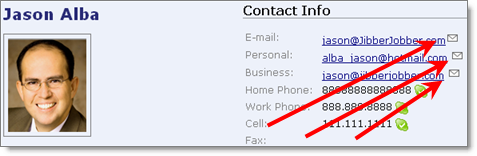
From the Detail Page of your Contact, if you have an email address, there is now a little icon that you can click that will start the email:
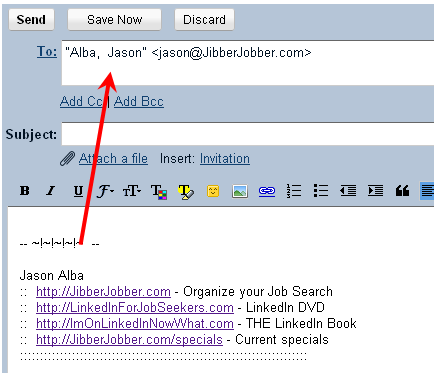
When you click the email**, it takes the first name, last name and email address, and puts it in an email message (with whatever email client you use: AOL, Outlook, Gmail, Yahoo, Hotmail, etc.):
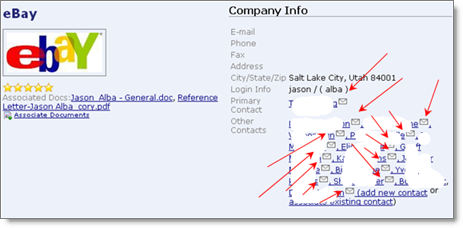
BONUS: I just saw this, on a Company Detail Page… cool!
I know, we are only saving you a few seconds. But this has been a pain for me, and when I’m sending a lot of emails it helps the process go quicker. Pain solved.
In reality, this is one of those little tiny things that saves time. A few seconds here, a few seconds there, makes the system more painless and more usable… right?
** NOTE: you have to go into your browser settings and designate what happens when you click on an email link. Here’s a generic google search on it… here’s a search to do it from IE, FF, Chrome, Safari …. you might have to do your own Google search to figure out your own browser.
Great addition. Now if you could get it to default to bcc to the special log email address (so the email is included in Jibber Jobber, that would be ever better!
Regards, NHR